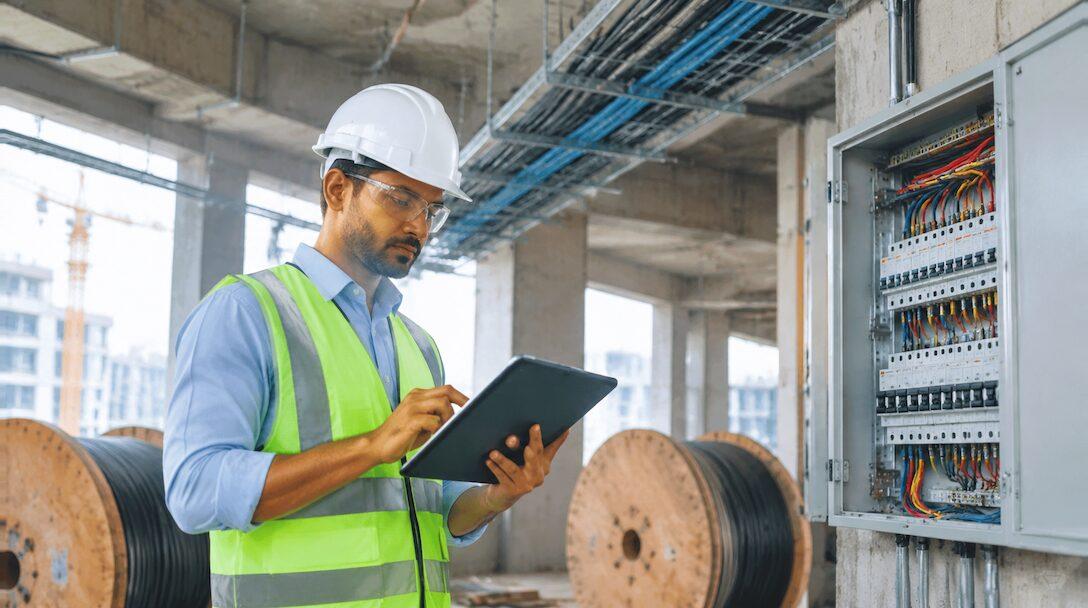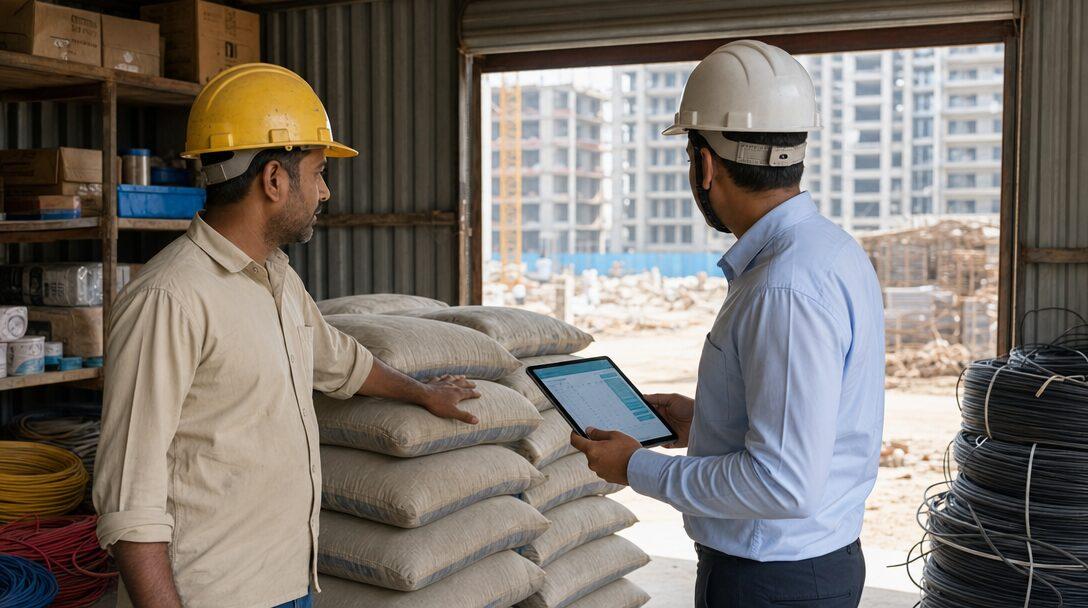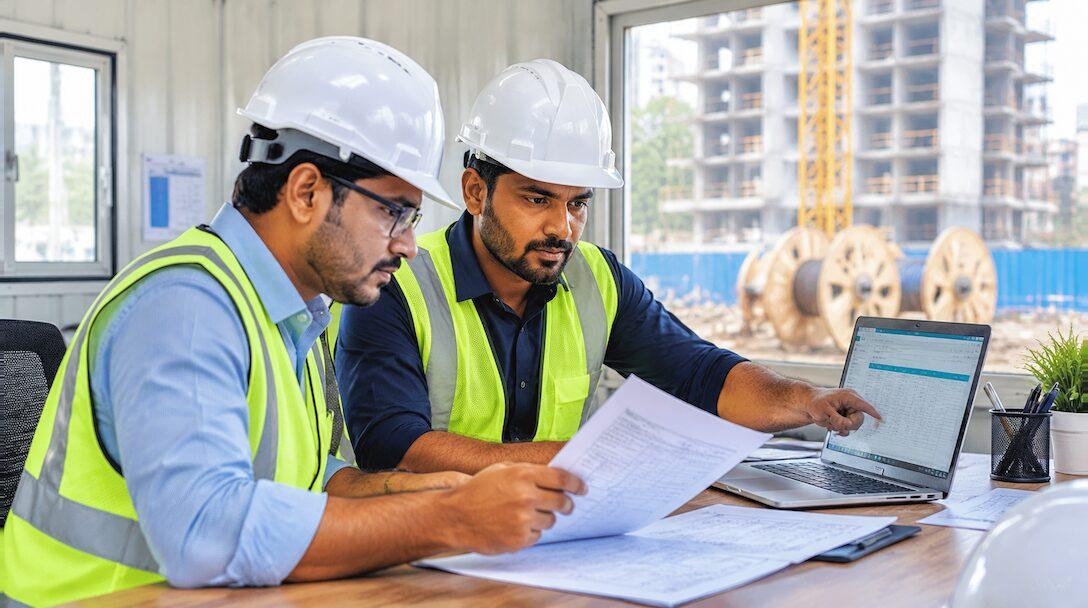

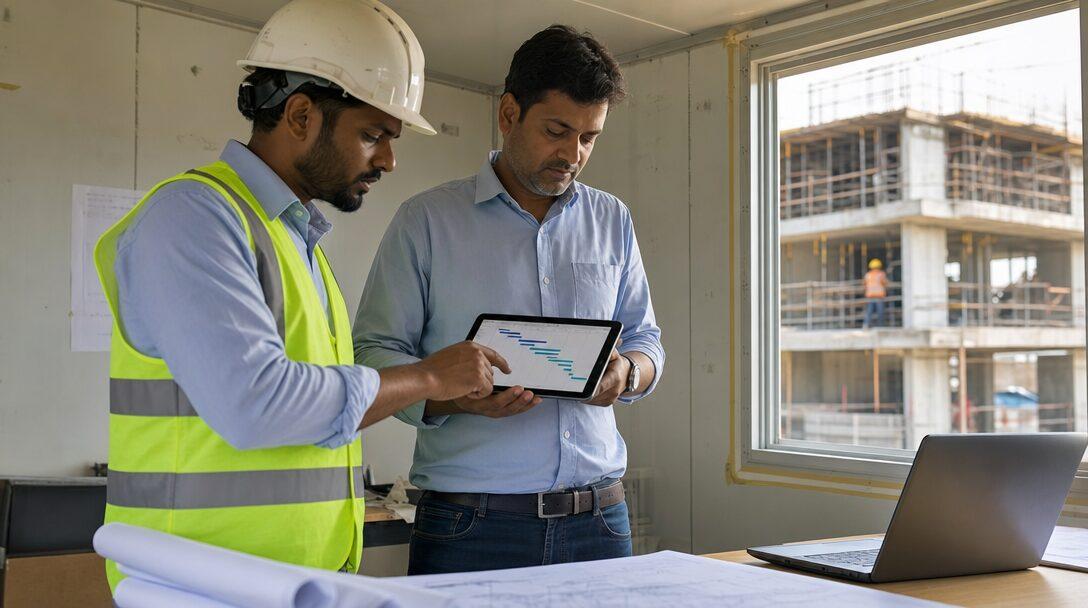
Picture an electrical contractor in Gurugram with 80 staff and six live sites. Progress arrives as WhatsApp photos, the BOQ lives in an Excel file that three people edit, and Tally holds the books a month behind the work. Somewhere between those three, nobody can say whether site four is making money. That is the point where owners start searching for construction management software, and then find two very different kinds of product: project management apps built for the site, and ERPs built for the office. This post explains what each one does, where they leave a gap, and the three ways Indian contractors close it.
TL;DR
- Construction project management software runs the site: schedule, daily progress reports, photos, punch lists, drawings and RFIs.
- An ERP runs the money and material: BOQ costing, purchase, stores, accounts, GST, payroll and project P&L.
- The gap between them is re-entry: site quantities and material use typed again into Tally or Excel, late and with errors.
- Three paths close it: a site app plus Tally, a construction-specific ERP, or a general ERP such as ERPNext with custom construction apps.
- ERPNext covers projects, tasks, Gantt, timesheets, stock, purchase and GST as standard. BOQ, RA bills, retention and a DPR form are custom work.
Free ERPNext fit check
Will ERPNext fit your factory?
Answer a few quick questions. On a short call we tell you whether ERPNext fits how you make, stock and sell, and what the rollout looks like.
Check my fit →Signs Excel, WhatsApp and Tally have stopped working
These are warning signs, not statistics. If two or more describe your company every month, the current setup is costing you money.
Signs the current setup has run out
- The same material is ordered twice for one site because the store and the site engineer keep separate lists.
- RA bills go out late because measurements are in a notebook or a phone gallery.
- Labour on each site is counted in a register and totalled at month end, if at all.
- The BOQ, the purchase orders and the bills each live in a different file, and nobody reconciles them until a dispute.
- Project profit is known only after the job closes, when it is too late to act on.
- The owner learns about a delay from the client, not from the team.
A new tool will not fix these by itself. Each one is a hand-off between two people, site and office, that nothing records. So start by deciding which hand-offs you want software to hold, and pick the kind of software after that.
What construction project management software does
A construction project management tool is built around the site and the schedule. Take Procore's project management page as the global reference: it lists schedule, tasks, daily log, RFIs, submittals, drawings, photos and videos, punch list, meetings, document management and timecards. It also says job costs sync with your accounting software, which tells you accounting sits in a separate system.
Indian construction project management apps aim at the same site problems, built for the phone first. Powerplay's homepage, for example, describes project management with daily progress reports, material stock on site, labour attendance, issue management and petty cash. The page we read does not mention an accounting or Tally integration, so ask any vendor about that directly.
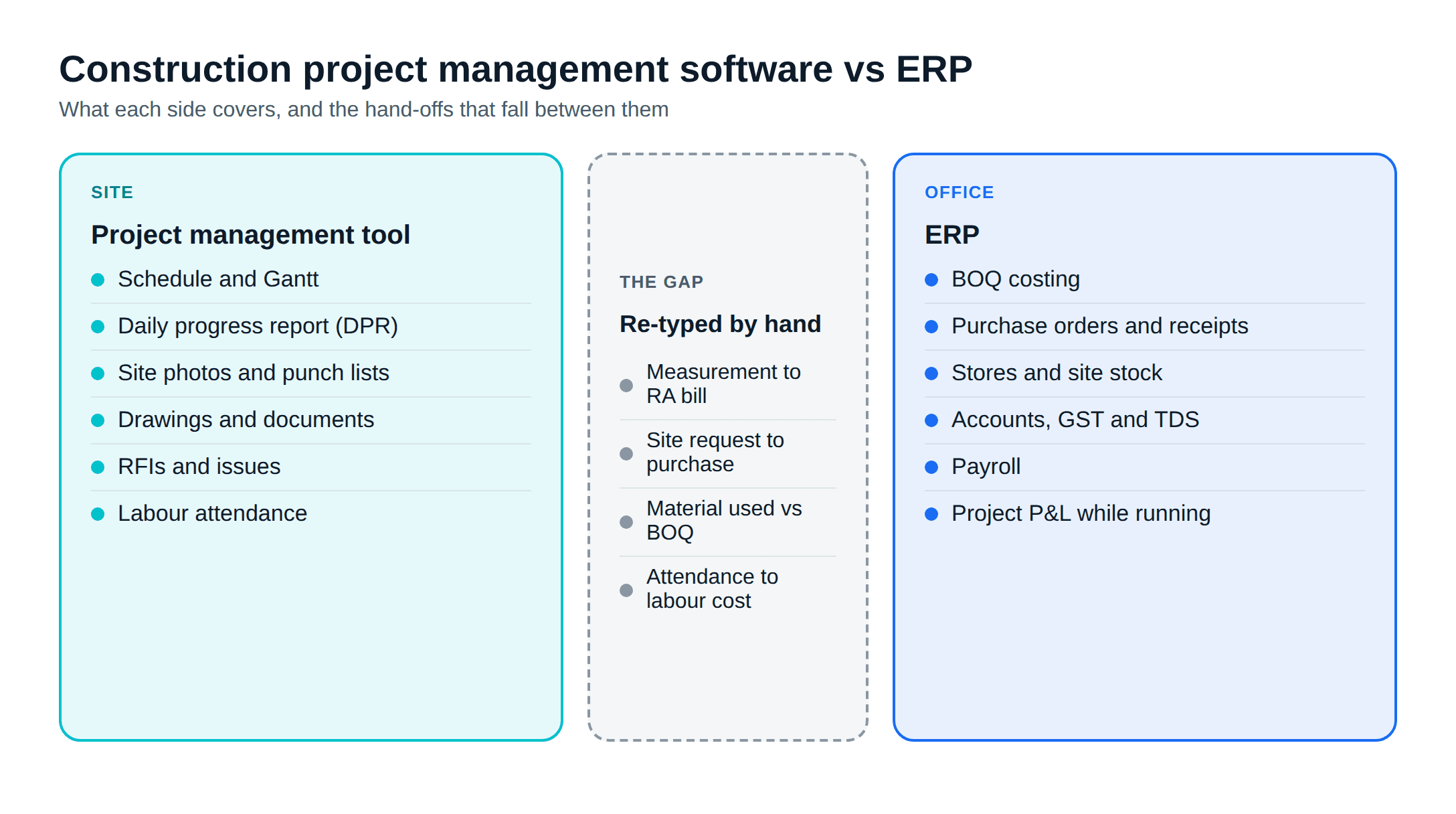
The common core of these tools:
Schedule and Gantt
Daily progress report
Photos and punch lists
Drawings and documents
RFIs and issues
Labour attendance
GST returns, TDS, statutory payroll and the balance sheet stay with your accountant's software.
What an ERP does for a contractor
An ERP is built around transactions that carry money: a purchase order, a goods receipt, a stock transfer to site, a supplier bill, a client invoice, a salary slip. For a contractor, the useful ERP features are:
- BOQ costing: budgeted quantities and rates per item, compared with actual cost as it lands.
- Purchase: material requests from site, purchase orders, goods receipts against a project.
- Stores: stock by warehouse, including one warehouse per site, with transfers and consumption.
- Accounts and GST: supplier and client invoices, GST, TDS, payments and bank reconciliation in one ledger.
- Payroll: salaries and statutory deductions for staff, with labour costs charged to projects.
- Project P&L: revenue billed against cost incurred, per project, while it is still running.
This is the side that answers "is site four making money?". Our construction ERP software guide covers the full module list for Indian contractors, and construction material management software goes deeper on stores and site stock.
The gap between them
The trouble starts where the two meet. The site measures work done; the office bills it. The site consumes material; the office pays for it and books the cost. If those live in two systems with no link, someone re-types the data, and every re-typing adds delay and errors.
Three hand-offs matter most:
- Measurement to RA bill. Quantities executed on site become the running account bill. When measurements sit in a site app and billing sits in Tally, the RA bill is built in Excel in between. We walk through doing it in one system in from BOQ to RA bill in ERPNext.
- Material request to purchase to consumption. The site asks for cement, the office buys it, the site uses it. Without one record, you cannot compare consumed quantity with the BOQ.
- Labour attendance to cost. Attendance taken in an app has to become wages and a cost against the right project, including subcontractor labour.
Tax adds a fourth: works contract invoices carry GST and TDS rules of their own, which our post on GST and TDS on works contracts sets out. Those rules live in the accounting system, whatever runs the site.
Three paths for Indian contractors
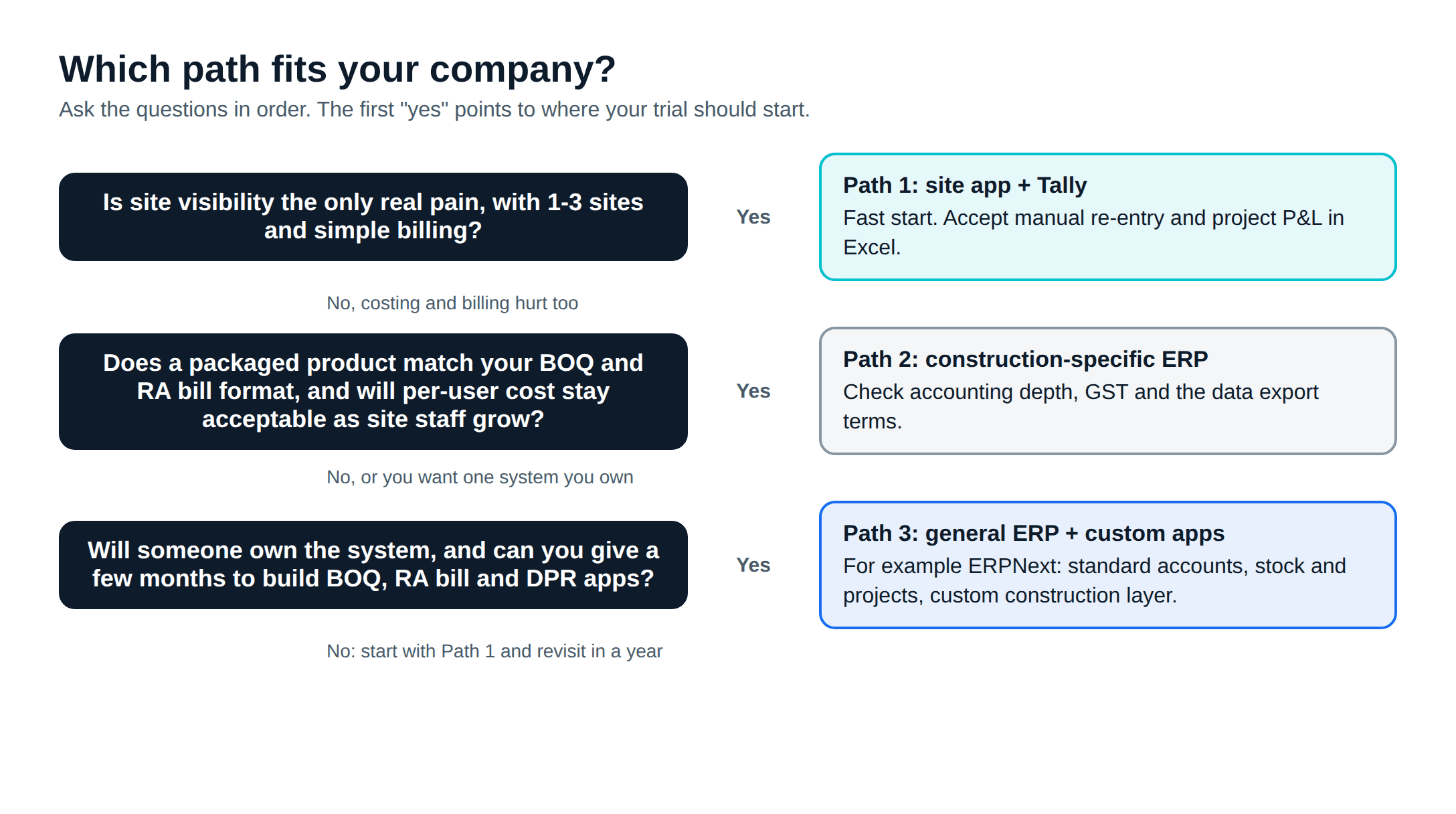
Path 1: a site app plus Tally
Keep Tally for books and GST, add a mobile site app for progress, attendance and material on site. This is the fastest start and the least disruption to your accountant. The cost is the gap above: someone moves purchases, bills and labour costs across by hand or by export, and project P&L still lives in Excel. It suits a contractor with a few sites whose main pain is site visibility, not costing.
Path 2: a construction-specific ERP
A construction ERP is sold on having BOQ, RA bills, site stores and accounts in one package, so the fit with Indian billing practice can be close from day one. Check three things before signing: whether the accounting and GST side is full or thin (some still expect Tally alongside), what you pay per user as you add site staff, and whether you can export all your data if you leave. Ask for a demo on your own BOQ, not the vendor's sample.
Path 3: a general ERP with construction apps
A general ERP such as ERPNext brings full accounting, GST, purchase, stock and HR, and the construction-specific parts are built on top as a custom app. You get one database from site request to balance sheet. The trade-off is that BOQ, measurement and RA billing need building and testing before go-live, which takes time and an implementer who knows contracting.
| Site app + Tally | Construction-specific ERP | General ERP (ERPNext) + custom apps | |
|---|---|---|---|
| Site progress, DPR, photos | Strong | Varies by product | Custom DPR form; tasks and Gantt standard |
| BOQ and RA bills | Excel in between | The main reason to buy one | Custom app |
| Purchase and site stores | App-level stock only | Built in | Standard |
| Accounts, GST, TDS | Tally | Varies, check depth | Standard (with India Compliance) |
| Project P&L while running | Manual | Built in | Standard project costing |
| Re-entry between systems | High | Low | Low |
| Licence model | App subscription + Tally licence | Ask: per user, per site or per project | No licence fee; hosting and implementation |
| Time to start | Days | Weeks | Months, phased |
If you are still on Tally and wondering how far it stretches, ERPNext vs Tally compares them module by module.
What ERPNext covers as standard, and what is custom
We implement ERPNext, so read this split with that in mind. We checked each item against Frappe's v16 documentation.
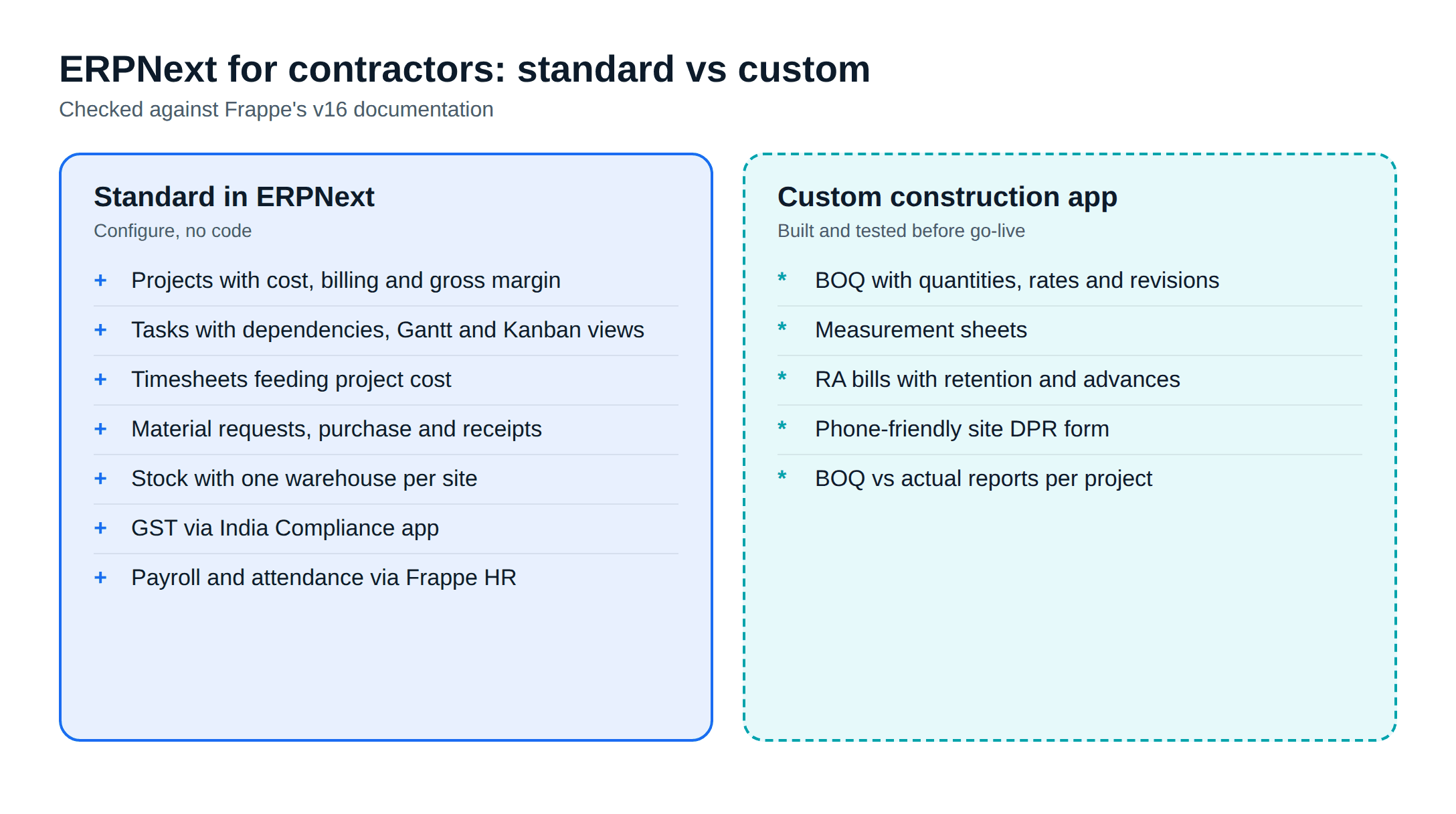
Standard in ERPNext:
- Projects with estimated cost, and totals pulled in automatically: costing from timesheets, purchase cost from purchase invoices, consumed material cost from stock entries, billed amount from sales invoices, and a gross margin.
- Tasks with expected dates, progress, weights and dependent tasks, plus Gantt, Kanban and Calendar views.
- Timesheets that feed project cost and actual dates.
- Purchase, stock with one warehouse per site, and GST through the free India Compliance app.
- Payroll, attendance and leave through Frappe HR, which also has a mobile app for check-ins. ERPNext itself runs in a phone browser; we found no separate Frappe ERPNext app for site work.
Custom work:
- BOQ with quantities, rates and revisions per project.
- Measurement sheets and RA bills, with retention, advances and deductions.
- A phone-friendly DPR form: work done, labour by trade, material used, photos and hindrances.
Those are built as a separate app through ERPNext development, so upgrades do not overwrite them. If ERPNext is not right for your company, for example because nobody will own the system after go-live, Path 1 or 2 may serve you better, and we will say so.
Before you choose
- List your live sites, users on site and users in the office. That decides licence cost on Paths 1 and 2.
- Write down how you bill: BOQ items, measurement format, RA bill frequency, retention and advances.
- Pick one real project and run it on a trial: one material request, one purchase, one week of DPRs and one RA bill.
- Ask each vendor in writing what data export you get if you leave.
- Name the person in your company who will own the system after go-live.
If ERPNext comes out ahead, ERPNext implementation explains how Metageeks, an independent ERPNext implementer in Delhi NCR, scopes a contractor before setup starts, and ERPNext support covers help after go-live.
Frequently asked questions
What is the difference between construction project management software and an ERP?+
Construction project management software runs the site: schedules, daily progress reports, photos, punch lists, drawings and RFIs. An ERP runs the money and material behind it: BOQ costing, purchase, stores, accounts, GST, payroll and project profit and loss. Some products cover a bit of both, but most are stronger on one side.
Can a construction project management app replace Tally?+
Not on its own, going by the vendor pages we read. Site apps track progress, labour and material on site; GST books, returns and payroll with statutory deductions stay in accounting software. If you pair a site app with Tally, plan for someone to move purchases, bills and labour costs between the two.
Does ERPNext have construction project management?+
ERPNext has Projects, Tasks with dependencies, a Gantt view, Timesheets and project costing as standard, and every purchase order, stock entry and invoice can carry a project. BOQ quantities, measurement sheets, RA bills, retention and a site DPR form are not standard and are built as a custom app.
Is there a mobile app for site engineers on ERPNext?+
ERPNext runs in a phone browser, and Frappe HR has a mobile app for check-ins, attendance and leave. Frappe does not publish a separate ERPNext app for site work that we could find, so a site DPR screen is usually a custom form designed for the phone.
When should a contractor move from Excel and WhatsApp to software?+
When the cost of not knowing shows up in money: material bought twice for the same site, RA bills sent late because measurements sit in someone's phone, or a project's profit known only after it closes. If two or more of those happen every month, it is time.
Related reading
- Construction ERP software in India: the full guide for contractors.
- From BOQ to RA bill in ERPNext: the billing chain in one system.
- Construction material management software: site stores, transfers and consumption.
- ERPNext vs Tally: where Tally stops and an ERP starts.
Free ERPNext fit check
Will ERPNext fit your factory?
Answer a few quick questions. On a short call we tell you whether ERPNext fits how you make, stock and sell, and what the rollout looks like.
Check my fit →About the author

- Tags
- erpnext
- erp
- construction
- india
- project management
Subscribe to Our Newsletter
The AI Build Brief: practical playbooks on how to build, price and ship AI features, in one short email every other week.