The problem
Most AI integrations die in production.
A developer wires up an API call. It works in staging, then production exposes the gaps: auth, rate limits, cost controls and unexpected model output. Someone switches the integration off, and the budget spent on it is gone.
A production AI integration needs the infrastructure around the API call, which is the part most shops skip. We build auth, monitoring, error handling and a documented security handoff into every integration as standard.
If you have a pilot that works in staging and nowhere else, we wrote up what getting a pilot into production takes.
What we integrate
Your existing tools, augmented with AI.
We connect by API or webhook, so you keep the stack you already run.
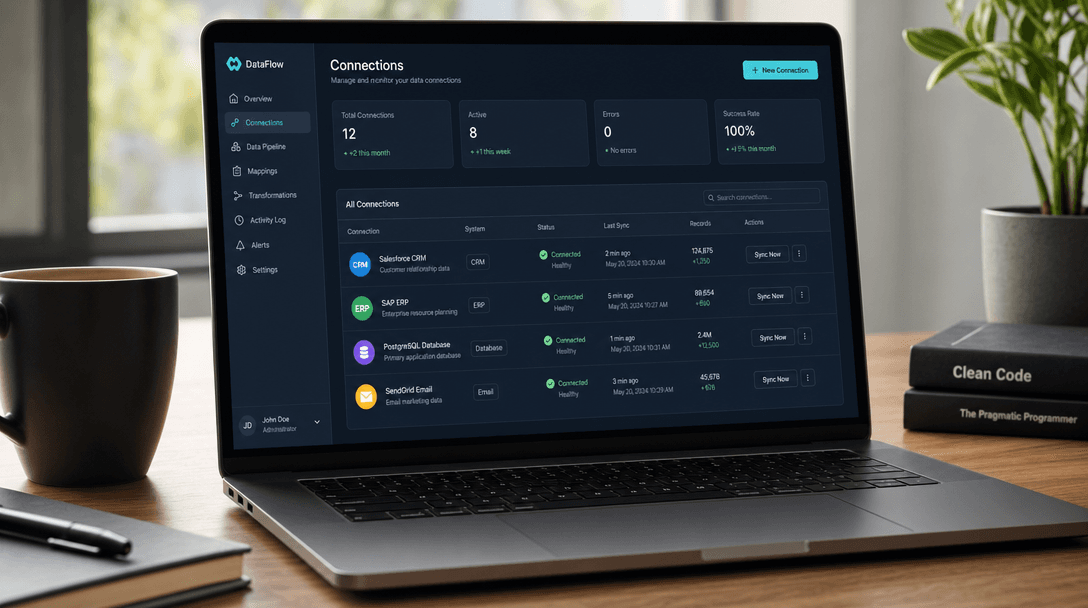





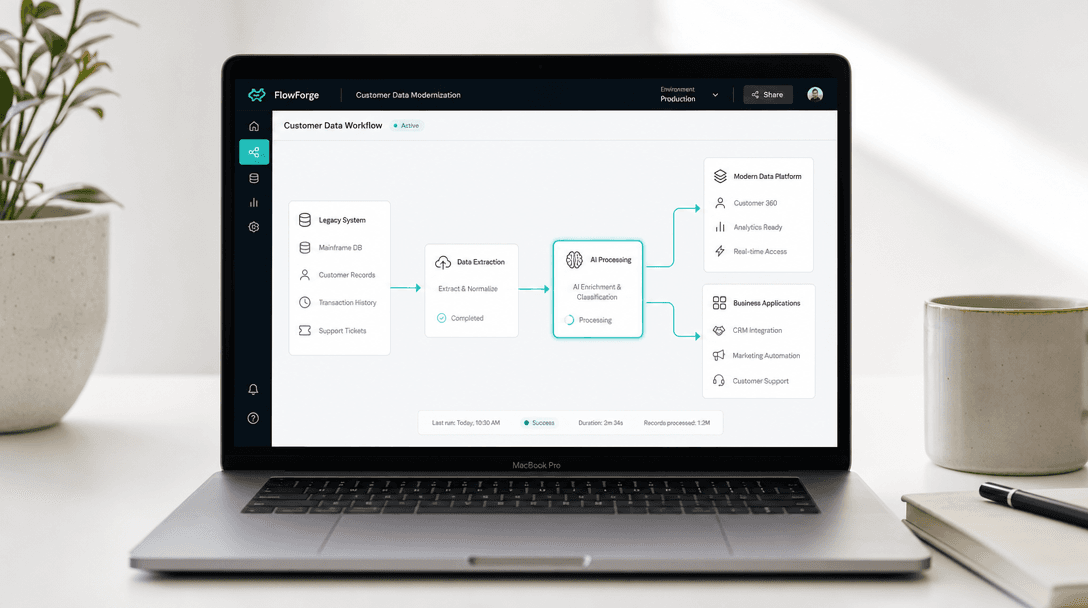
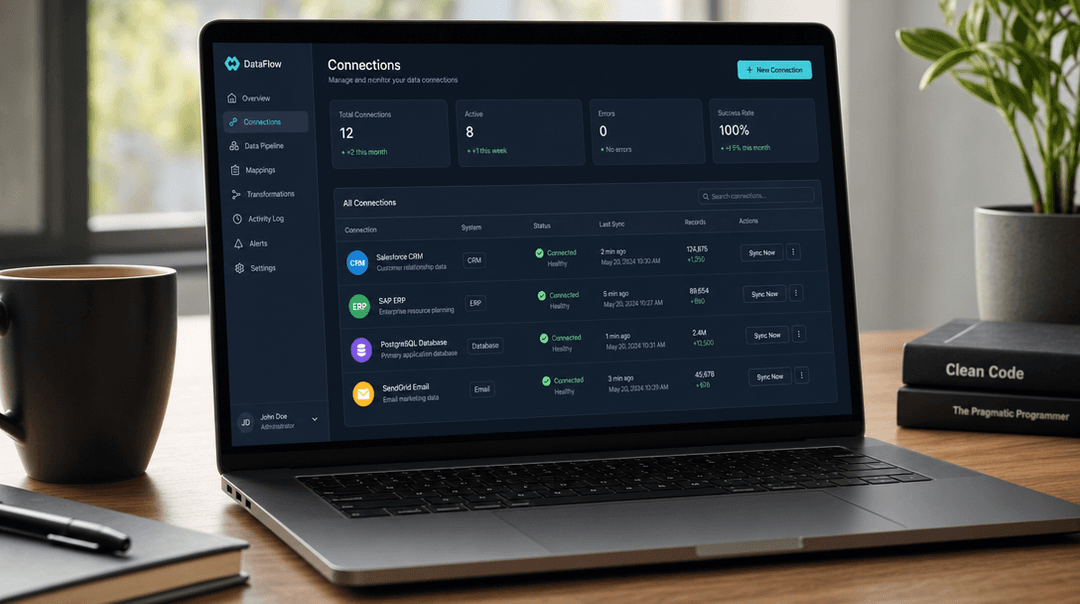
Data from a legacy system flows through an AI step into your existing tools.
What's included
Every integration includes five non-negotiables.
01
Knowledge base pipeline
Retrieval over your documents. The AI answers only from verified sources.
02
Auth + API key management
Keys in environment secrets, rotated on schedule, least-privilege access.
03
Security + PII handling
PII redacted before it leaves your systems. Every AI action logged.
04
Monitoring
Call logs, latency, cost and error rates on readable dashboards.
05
Error handling + fallbacks
Rate limits, timeouts and a fallback path, so a failed AI call shows up in an alert instead of breaking silently.
How it works
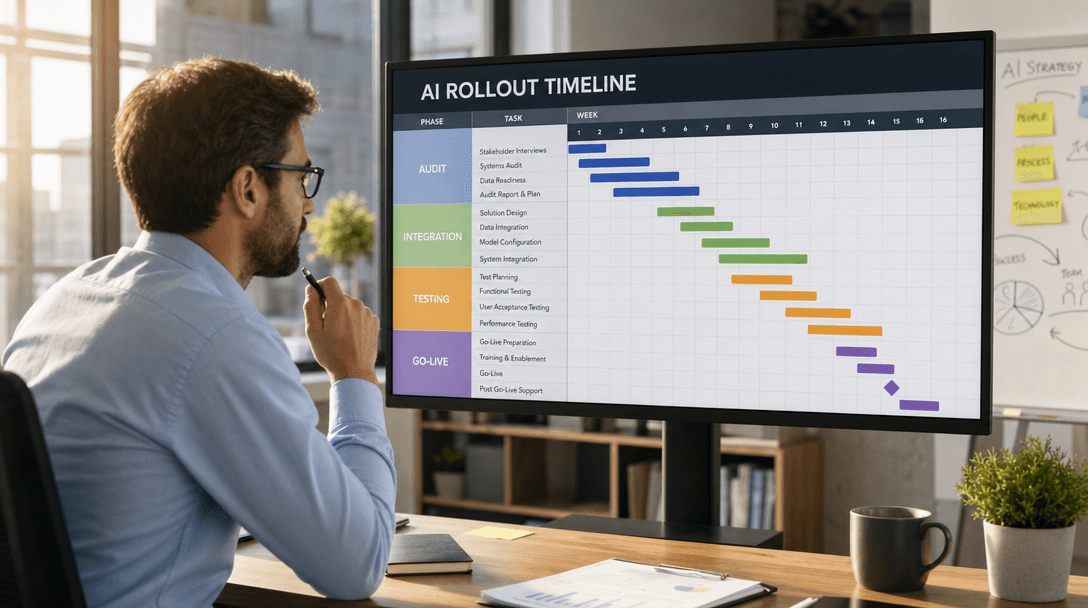
Four steps, fixed timeline.
01
Day 0 · 30 min
Intake
A structured questionnaire about the workflow, followed up by email.
02
Days 1-3
Design
We map the APIs, auth, data and failure modes. You approve the design before we build.
03
Weeks 1-6
Build
Built and tested in staging, with weekly check-ins.
04
Final week
Production
Production deploy, full monitoring stack, and a handoff call.
Built for
Right for some. Not for everyone.
Built for
- Businesses running operations on SaaS tools
- Teams losing 5+ hours a week to one manual workflow
- One technical contact for the handoff
- Ready to run AI in production, not just experiment
Not a fit
- No existing SaaS tools or APIs to connect to
- Requirements not defined yet; start with a scoping call
- Teams needing ongoing AI management after delivery
- Projects requiring on-premise deployment without cloud API access
Start with the workflow that costs the most.
A scoping call finds the one workflow worth automating first and fixes its scope and timeline before any build starts. It also covers the build vs. buy decision, because sometimes buying is the right call. If you already know what you want, book a call.
Common questions
Quick answers.
What does AI implementation mean for a small business?+
AI implementation means adding AI to the tools and workflows your team already uses, without replacing your CRM, helpdesk or ERP. For most growing businesses, that means an AI model that drafts replies in HubSpot, a document parser connected to your existing storage, or an AI triage step in front of your support queue. The goal is a production system that works inside your current stack, rather than a demo that lives in a spreadsheet.
How long does AI integration take?+
Simple integrations (single API, one workflow) take 2-3 weeks. Integrations that span multiple tools, auth flows and custom UIs take 6-8 weeks. We scope every project to a fixed timeline before work starts, so you know the delivery date before we write a line of code.
Do I need to replace my existing software to use AI?+
No. Most AI integration work augments what you already have. We connect AI models to your existing systems via API, webhook, or direct database access. Common targets are Salesforce, HubSpot, Zendesk, Intercom, Notion, Google Workspace, and custom internal tools. If your vendor has an API, we can wire AI into it.
What's included in the security and auth setup?+
Every integration includes API key management with rotation support, role-based access controls, audit logging of AI actions, and rate limiting. For tools that touch customer data, we add PII redaction before data leaves your systems. Every integration ships with a documented security handoff, so your team knows exactly what the AI can and cannot access.
What does monitoring mean in practice?+
Monitoring means you can see what the AI did and why. We instrument every integration with AI call logs, input/output captures, latency and cost tracking, and error alerting. You get a dashboard, plus Slack alerts when something breaks or error rates start to climb. That is how you catch bad outputs before they reach customers.
Can I start with just one workflow?+
Yes, and that's usually the right call. Start with the high-volume workflow that costs your team the most hours per week. Once it runs in production and you've seen how the AI handles your day-to-day work, scoping the next workflow is much easier.
Ready to start?
Connect the workflow. Ship the automation.
Most integrations run from intake to production in 4-6 weeks, on a timeline fixed before work starts. Start with one workflow, then scope the next.