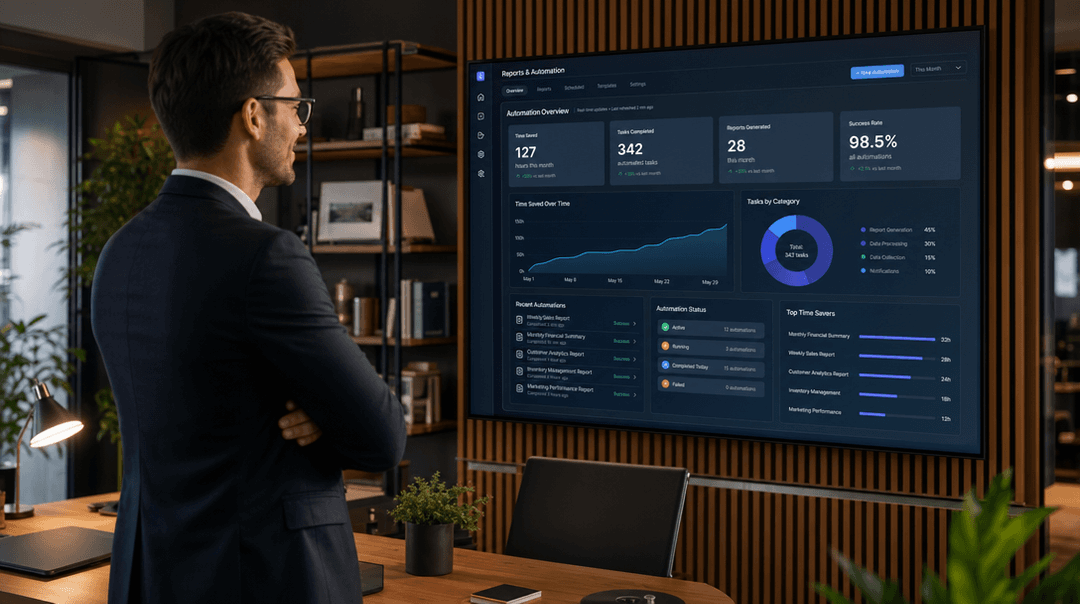
What AI workflow automation actually means
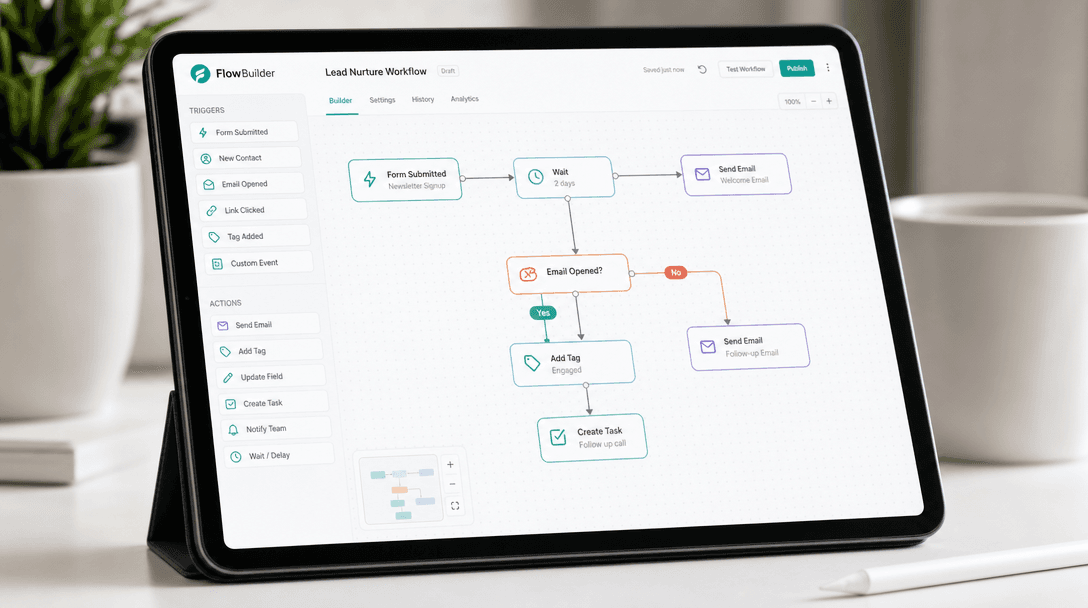
It is software that runs a repetitive, multi-step process end to end, using AI for the parts a fixed rule cannot handle. A lead arrives, the system reads it, scores it, updates your CRM and books the meeting.
The judgment steps are what separate this from basic automation: reading an unstructured email, scoring intent, spotting an exception. Our plain-English explainer on AI workflow automation covers how it differs from RPA and Zapier, and where it fails.
The workflows worth automating first
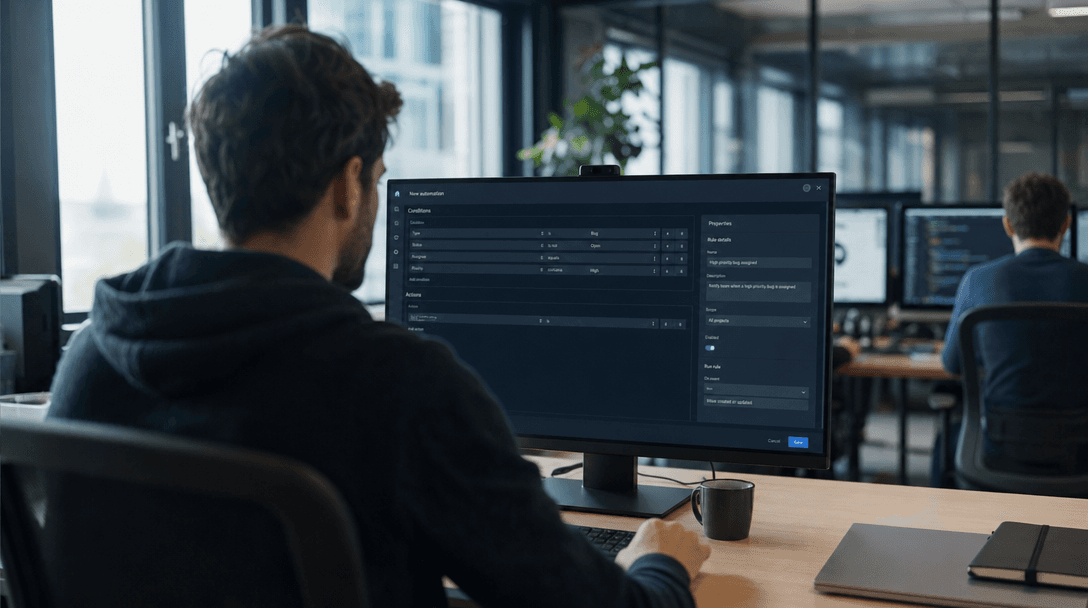
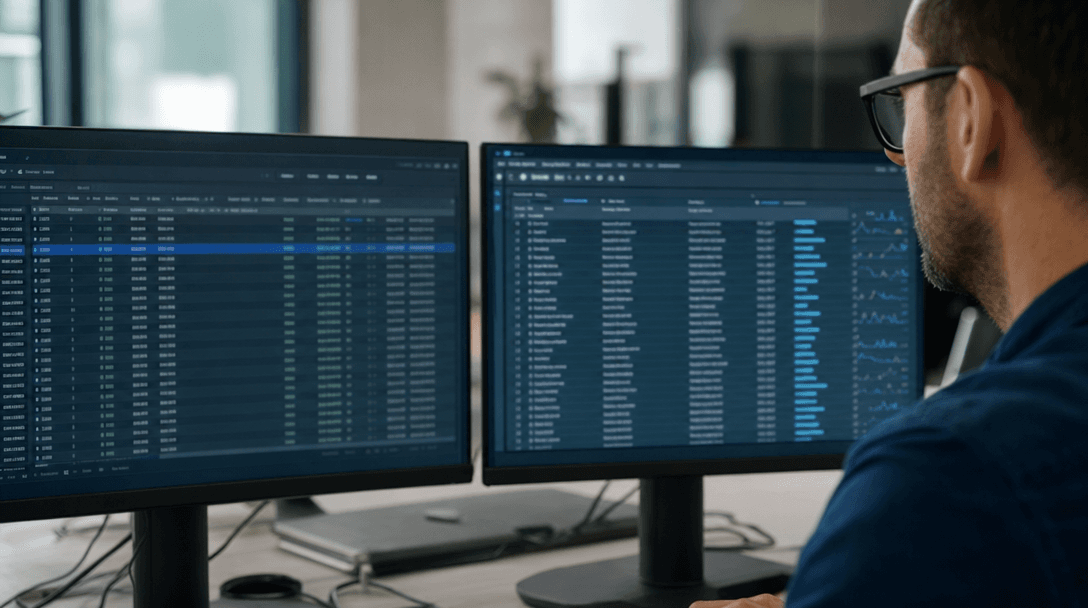
Start with the task that has a dollar figure attached: the one a person repeats every week. It is usually one of these four.


Custom build vs another no-code subscription
If your workflow is "form submitted, add a row to a sheet", you do not need us. Zapier, Make and n8n do that well.
They break down in two places. The first is any step that needs judgment, like reading an email that half-qualifies or pulling a figure from an inconsistent PDF. The second is length: in a long chain, one broken connector takes the flow down quietly, and you hear about it from a customer.
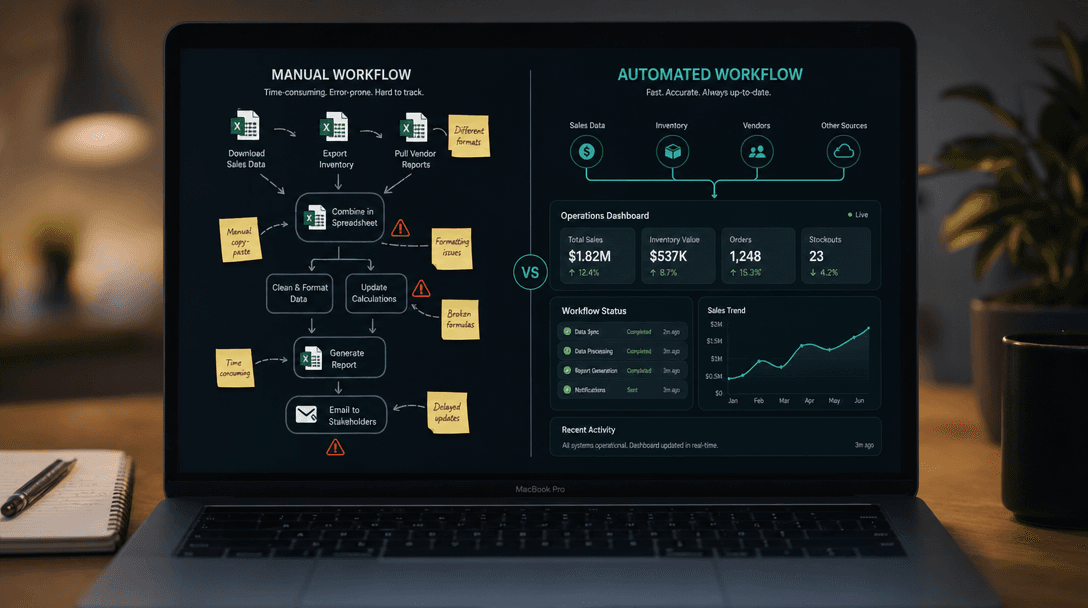
A custom build owns its judgment steps and its own error handling.
What drives the cost of an automated workflow
We scope each build in writing and bill against that scope. Two things move the cost: how many systems the automation touches, and how much judgment it handles.
We've written the math out in full so you can size your own build before you talk to anyone:
- What AI development costs in 2026 →
Build ranges, and what moves the number.
- AI consulting cost →
How hourly, per-project, and retainer models compare.
- Build vs buy AI →
When a custom build beats off-the-shelf.
Not sure which workflow to automate first?
A scoping call ranks your workflows by what automating each one is worth and tells you whether to build or buy. The scope goes in writing before anything starts.
Common questions about AI workflow automation
What is AI workflow automation for a small business?+
What's the best AI workflow automation for a SaaS company?+
Isn't this just Zapier or n8n? Why pay to build it?+
Which workflow should an SMB automate first?+
How much does AI workflow automation cost?+
Ready to start?
Automate the work. Keep the results.
Book a call if you already know what to automate, or tell us what you need. Either way, you get a written scope before any work starts.