
What Our ERPNext Developers Build
Configuration first. Code only where settings stop.
Custom doctypes
New forms: mould register, gate pass, lab sheet.
Server and client scripts
Rules that check, fill and warn as people type.
Script and query reports
Yield, consumption and job-work stock, live.
GST print formats
Invoices and challans laid out your way.
Approval workflows
The right person signs off, with a record.
Dashboards
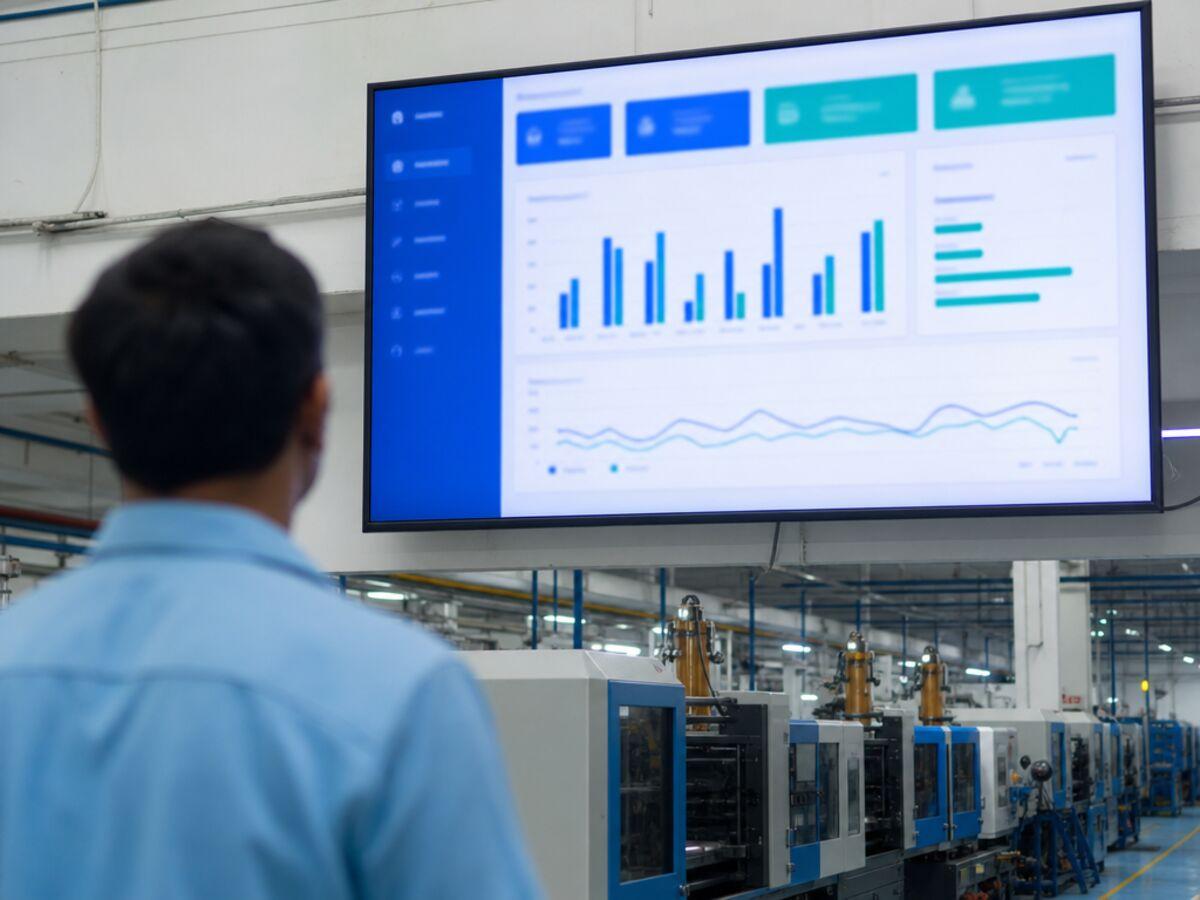
Output and stock on the owner's phone.
Integrations
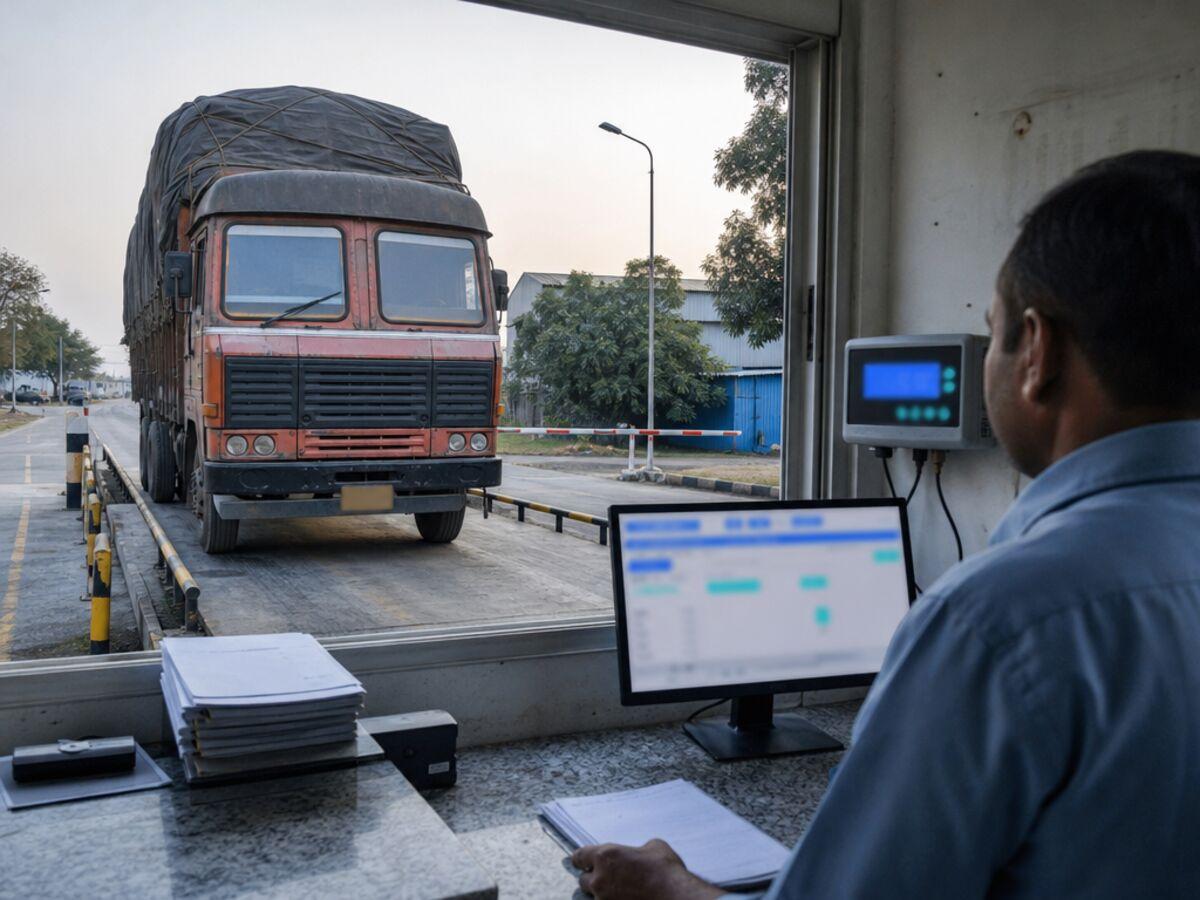
Weighbridge, WhatsApp, label printers, portals.
Custom Frappe apps
Bigger features, packaged beside ERPNext.
Upgrade-Safe by Design
Most stuck ERPNext sites were customized by editing the core code. We never do.
Edits inside ERPNext
A custom app beside ERPNext
- Hooks, not core edits
- Custom fields travel as fixtures
- Upgrades tested on a copy first
Examples From the Plant Floor
Examples of the work we take on, not named client projects.


Two Ways to Work With Us
Per change
A written scope and estimate for each feature. You sign off, then we build.
Monthly developer block
Hire ERPNext developers by the month: set hours, your priority list, a monthly report.
Costs: see ERPNext pricing. Connecting systems: see ERPNext integrations. Starting fresh: see ERPNext implementation.
You Own the Code
- Code in your GitHub
- Deploy notes
- Handover per feature
- No lock-in
The Stack
An ERPNext developer is a Frappe developer first.
- Python
- Frappe framework
- JavaScript
- MariaDB
- Redis
- Jinja
- REST API
Systems We Have Delivered
Not ERPNext projects, but the same engineering: careful data work and systems in the client’s own cloud.
Dalmia Resorts International
20,000+member records moved off paper
Paper records moved into one database with an approval step on every correction: the same care a custom doctype and its permissions need.
Read the case studyMontage India
15 TBfootage archive on Montage India's NAS, moving to AWS
A media platform rebuilt on AWS with its infrastructure defined in code: the skills behind an ERPNext site that runs in your own AWS account.
Read the case study
ERPNext Development Questions
What does an ERPNext developer do?
An ERPNext developer changes what ERPNext does, beyond what settings allow. That covers new doctypes, server and client scripts, reports, print formats, workflows, integrations with other systems and custom Frappe apps. Because ERPNext is built on the Frappe framework, the work is Python, JavaScript and MariaDB inside Frappe's conventions.
Will our customizations break when ERPNext is upgraded?
Not if they live in a custom app. Changes made inside the ERPNext or Frappe code are overwritten or conflict at the next update. Changes in a separate app, with custom fields exported as fixtures, survive it. Before a major version upgrade we test your app against the new version on a copy of your site, and fix anything that needs it before the live site moves.
Can you fix customizations another developer made?
Yes. We start by reviewing the site: its version, installed apps, Server Scripts, any edits to the core code and the error logs. You get a written list of what to keep, rewrite or remove. Core edits are moved into a custom app where possible, which is usually what makes the site upgradeable again.
Server Script or custom app: which one should we use?
A Server Script written in the desk is fine for a small rule, such as a validation on one form. Once the logic grows, needs tests, touches several documents or calls another system, it belongs in a custom app under version control. We often start a change as a script and move it into the app once it settles.
Do you work on Frappe Cloud and self-hosted sites?
Both. On Frappe Cloud, a custom app from your GitHub repository is installed on a private bench. On your own server or AWS account, we deploy it with bench and document the steps. Either way the code, the database and the backups stay in accounts you own.
Can we hire an ERPNext developer for a few months?
Yes. A monthly developer block gives you a set number of hours each month, a shared list of requests in priority order and a short report of what was done. It suits plants that have gone live and keep finding things to improve. One-off changes are scoped and estimated in writing instead.
How much does ERPNext customization cost?
It depends on the change. A new print format or report is small work; a weighbridge connector or a customer portal is a project. We write a scope for each change and give an estimate against it before anything is built. Our guides to ERPNext pricing and implementation cost show what plants spend on the rest.
Who owns the code you write?
You do. The custom app lives in a GitHub repository under your account, with deploy notes and a short handover for each feature. If you later move to an in-house developer or another team, they can pick it up from the repository.
Tell Us What ERPNext Should Do Next
Describe the change in a few lines. An ERPNext developer will look at it, ask what they need to, and come back with a written scope.